IMPROVE YOUR TYPING ACCURACY
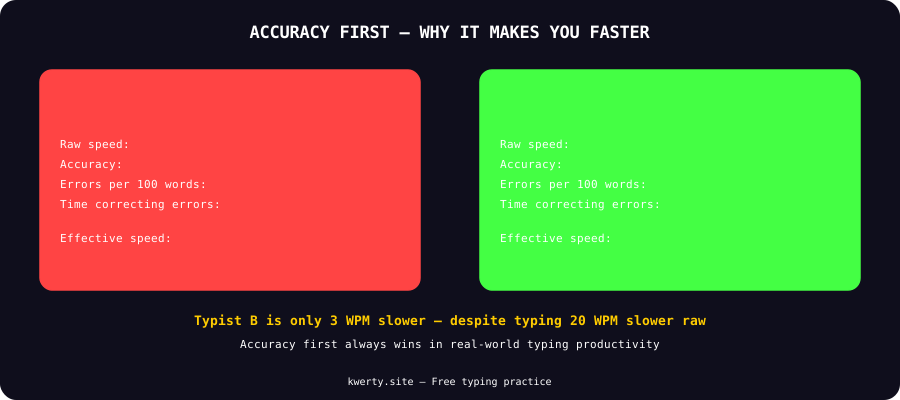
Typing fast with errors is actually slower than typing steadily with high accuracy. Here's why accuracy comes first — and how to build it to 95%+.
WHAT'S YOUR ACCURACY RIGHT NOW?
Type the phrase below — your accuracy % is the starting baseline
Click here and type the words to check your speed
6 COMMON ACCURACY MISTAKES
Fix these and your accuracy will improve immediately
TYPING TOO FAST
The single biggest accuracy killer. Most people try to match a speed their fingers haven't earned yet. Slow down 20-30% and your accuracy will jump immediately.
WRONG FINGER ASSIGNMENTS
Using your index finger for keys that belong to your middle or ring finger forces awkward hand movements. Every key has an assigned finger — learn and stick to the correct assignments.
NOT RETURNING TO HOME ROW
Fingers that wander off home row (ASDF JKL;) lose their positional reference. After every keystroke, your fingers should naturally drift back to home position.
LOOKING AT THE KEYBOARD
Glancing down breaks your reading rhythm and causes hesitation errors. Train yourself to never look — even if it feels uncomfortable at first.
CORRECTING AS YOU GO
Immediately backspacing every error trains your brain to expect and accept mistakes. Some trainers recommend finishing the word before correcting — it builds more deliberate typing habits.
IGNORING ACCURACY STATS
If you only watch your WPM and ignore accuracy, you'll develop fast-but-sloppy habits that are very hard to correct later. Always track both metrics together.
5 EXERCISES TO BUILD ACCURACY
Practical drills that work within 2-3 weeks
SLOW MOTION TYPING
Set a timer for 5 minutes and type at 50% of your normal speed. Focus entirely on hitting the correct key the first time. Do this daily for a week.
PROBLEM KEY DRILLS
Identify which keys you consistently mistype (check your accuracy breakdown). Spend 2-3 minutes daily drilling only those specific keys in combination.
ACCURACY-GATED PRACTICE
Set a personal rule: if your accuracy drops below 95% in a session, immediately slow down until it recovers. Never finish a session below your target accuracy.
NO-BACKSPACE TYPING
Practice entire sessions without using backspace. This forces your brain to slow down and commit to correctness before pressing a key. It feels uncomfortable — that discomfort is the training.
SENTENCE COPYING
Copy text from a book or article rather than using random words. Real sentences have rhythms and patterns your fingers learn to anticipate, reducing errors on common word combinations.
RELATED GUIDES
ACCURACY FAQ
Common questions about typing accuracy
What is a good typing accuracy percentage?
95%+ is the professional standard. Transcriptionists maintain 97-99%. Below 90% means you're spending significant time correcting errors which negates speed gains. Always prioritize reaching 95%+ accuracy before pushing for higher WPM.
Why is my typing accuracy so low?
Usually caused by typing too fast for your current skill level, using incorrect finger assignments, not returning to home row, or rushing without focusing on correctness. Slow down 20-30% deliberately and accuracy will improve within weeks.
Should I focus on speed or accuracy first?
Always accuracy first. A fast typist with low accuracy is actually slower in real-world use than a steady high-accuracy typist because error correction takes time. Speed follows naturally once fingers have correct muscle memory.
How long does it take to improve typing accuracy?
With 15-20 minutes of deliberate daily practice focused on accuracy, most people see significant improvement within 2-3 weeks. Going from 85% to 95% typically takes 3-4 weeks of consistent focused practice.
Does accuracy matter more than WPM for jobs?
For most jobs, yes. Data entry roles often require 98%+ accuracy alongside their WPM requirement. In transcription, a single error can change meaning — accuracy is non-negotiable. Even in regular office roles, high-accuracy typing reduces the time spent proofreading and correcting documents.
CHECK YOUR ACCURACY
Kwerty shows your accuracy alongside WPM after every game. Take a free test and see where you stand.
TEST YOUR ACCURACY FREE